
Adjusting White Balance for Accurate Dog Fur Colors
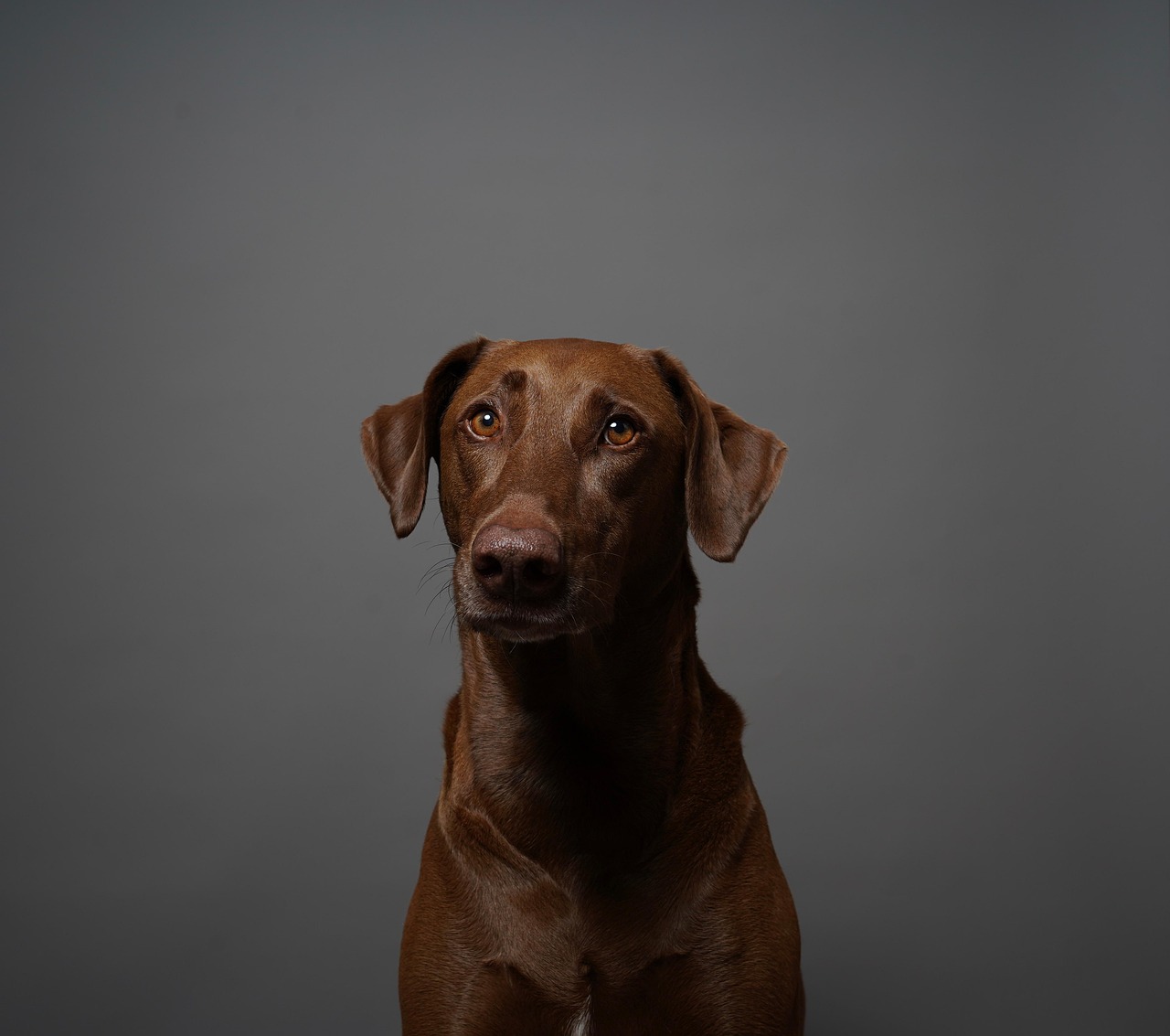
When capturing stunning images of dogs, the color of their fur is crucial for a captivating photo. White balance plays a significant role in ensuring that the fur appears true to life. Correctly adjusting the white balance can help you capture the richness of a dog’s coat while eliminating any unwanted color casts. Understanding the various lighting conditions in which you might photograph dogs is essential. For instance, shooting outdoors during the golden hour can generate warm tones, while indoor lights may produce a yellow hue. Be sure to experiment with your settings based on these conditions to achieve the desired results. Utilize your camera’s manual white balance control to adjust and balance the tones. If your camera offers presets, make good use of them. Remember, getting the white balance right in-camera is much easier than fixing it later during post-processing. Also, consider using a gray card, which provides a strong reference point for white balance adjustments. Ultimately, capturing the accurate shades of your dog’s fur elevates the beauty of your photography, making your images more appealing and lifelike.
After initially capturing your images, you may notice some inconsistencies in color rendering. This scenario can happen for various reasons including varying lighting conditions. The first step when editing dog photos is to open them in your preferred editing software. Adobe Lightroom and Photoshop are popular choices among photographers. When your image is open, start by adjusting the white balance slider. This feature will help you subtly refine the colors in your photograph. A handy tip is to familiarize yourself with the histograms, as they can guide you in determining the overall exposure and color balance. You can select specific white balance settings such as Daylight, Cloudy, Tungsten, etc., to see which suits your image best. Comparing these different settings allows you to find the most natural look for your dog’s fur. It’s vital to ensure you’re visually inspecting all changes as you edit. Always zoom in on the texture of the fur to critically analyze the differences in color. This process allows you to achieve that lively and vibrant look, attracting viewers to your pet photography portfolio.
The Importance of Manual White Balance
Many photographers rely on automated white balance settings, but for optimal dog photography, manually adjusting the white balance is often preferable. This method provides you with more control over the final image. If you consistently shoot in similar lighting conditions, consider creating custom presets. These presets can significantly streamline your workflow. By setting up a custom white balance, you can ensure consistency across your photos. Moreover, this practice eliminates the need for extensive corrections during post-processing. When dealing with outdoor shots, observe how ambient light changes as the sun moves. Generally speaking, early morning and late afternoon light offer some of the best conditions for dog photography. Keep your camera settings in mind and adjust your white balance accordingly. Experimenting with these settings can inform you about which conditions work best for your specific subject matter. Outdoor light may warm up your images, adding a beautiful glow to the fur. To sum it up, getting familiar with manual adjustments can elevate your skills as a photographer.
Another effective technique for adjusting white balance in dog photography is employing Lightroom’s color grading tools. These tools allow you to fine-tune the overall look of your images, helping to bring your dog’s fur colors to life. Use the temperature slider to cool down or warm up the image subtly. It’s essential to maintain a keen eye on the fur color; make sure you’re not overwhelming the image with strong color casts. When adjusting these sliders, focus on the specific colors that define your dog’s coat. Contrast and saturation settings can also play a role when presenting a dog’s fur accurately. For example, if you photograph a golden retriever, you want the golden accents of the fur to shine without appearing overly warm. Gradual adjustments can help in achieving this delicate balance. Furthermore, use the brush tool in Lightroom to selectively refine certain areas of the image, allowing for greater control. This technique emphasizes the unique characteristics of the dog’s fur while achieving a polished look, making your photography more professional and appealing to viewers.
Using Tools for Precision
Incorporating tools such as Lightroom’s HSL (Hue, Saturation, and Luminance) panel can further enhance your images after adjusting the white balance. This panel provides an in-depth approach to managing different color ranges in your photograph. For instance, using the Hue sliders, you can refine the color shifts further is applicable. When dealing with the various hues in a dog’s fur, tweak the sliders to match the shades accurately. Additionally, adjusting the saturation can help vital colors pop, making your dog appear more vibrant. For dog owners who want to capture their pets’ unique colors, this feature allows for incredibly precise adjustments. Give special attention to the luminance settings; this control can lighten or darken particular color ranges based on your vision for the final image. Consistency remains crucial, so always gauge how these settings affect the overall balance of your photo. Everything from the fur color to the background can interact differently when adjusting these parameters. Therefore, test out various combinations until aesthetics satisfy you, resulting in well-balanced and eye-catching dog photos.
Remember that post-processing is only part of your photo editing journey. The importance of a good capture cannot be overstated. Even with perfect editing techniques, a poorly lit original photo can hamper your results. Make an effort to treat your dog with patience during the photoshoot for the best results. Create a comfortable environment that helps your dog relax, allowing for natural interactions. Utilize treats or playtime to gain their attention. Dogs can express themselves in dynamic ways, showcasing their personality through their expressions. During shooting, consider your angles as well. Low angles can create a sense of intimacy while including the dog’s environment in the frame adds context. Always take multiple shots to have more options when editing. These alternatives mean you can choose the best images to work on. Taking your time at each stage—from shooting to editing—ensures a polished final product. Above all, enjoy the process! The more you practice and experiment with your techniques, the easier it will become to adjust and capture your furry friends beautifully.
Final Touches and Review
Once your white balance adjustments are completed, give your overall image a final review. Zoom into your photo to check the details; look for color consistency throughout the image. Adjust highlights and shadows if necessary, especially if certain areas appear too bright or dark after your white balance corrections. Your dog’s fur should look natural, so ensure you’re not losing texture in your adjustments. Furthermore, it can be helpful to compare your edited image with the original shot. This practice helps gauge how successful your white balance adjustments have been. Use the side-by-side view in your editing software, and observe if the colors feel vibrant and true to life. Don’t hesitate to go back and tweak adjustments as needed; editing is an iterative process. After you’ve achieved your desired look, consider the cropping. Effective cropping can enhance the focus on your dog, improving the composition significantly. When completed, save your edited image to showcase your stunning dog photography. A polished image feedback fosters pride, offering you results to proudly share with fellow pet enthusiasts.
In conclusion, adjusting white balance plays a vital role in capturing stunning dog photos. By understanding these principles and employing various tools, you can achieve accurate representation of your dog’s fur colors. This technical approach not only showcases your furry companion’s beauty but also uplifts your photography skills overall. The techniques discussed are just the beginning; with practice and experimentation, you’ll find your own editing style. Always remember to shoot in good light and adjust your settings to suit the environment. Develop a habit of reviewing your photos through post-processing to refine your workflow. Finally, celebrate the joy of dog photography! This art form allows you to express creativity and capture moments with your best friend. Whether you’re a beginner or an experienced photographer, keeping these tips in mind will aid you in creating remarkable images. The essence of pet photography is to bring forth emotion, so ensuring dogs look spectacular is paramount. Continue to adapt and explore new methods, and your portfolio will flourish. Engage with fellow photographers for inspiration, and always remain open to learning. Happy shooting and enjoy your photographic adventures with your beloved pets!