
Post-Processing Software That Supports Manual Retouching for Dog Photos
Dog photography is a delightful journey that goes beyond merely capturing moments. It involves creating compelling images that showcase the beauty and personality of our furry companions. Post-processing software plays a crucial role in enhancing your dog photos, allowing photographers not only to edit images but also to express their creative vision. Among the diverse software options, those that support manual retouching empower photographers to make precise adjustments. Manual retouching allows you to focus on detail, which is especially important in dog photography where every expression matters. Removing distractions such as leashes or correcting fur color becomes easier with the right tools. Additionally, finely adjusting lighting and contrast ensures that the dog looks natural and vibrant in every shot. Selecting post-processing software that includes features enabling manual adjustments can transform average snapshots into stunning portraits. Ultimately, a combination of good shooting techniques and effective editing practices results in captivating dog photos that capture hearts. This article will explore the significance of manual retouching software that caters to dog photographers, especially those looking to elevate their work to professional standards.
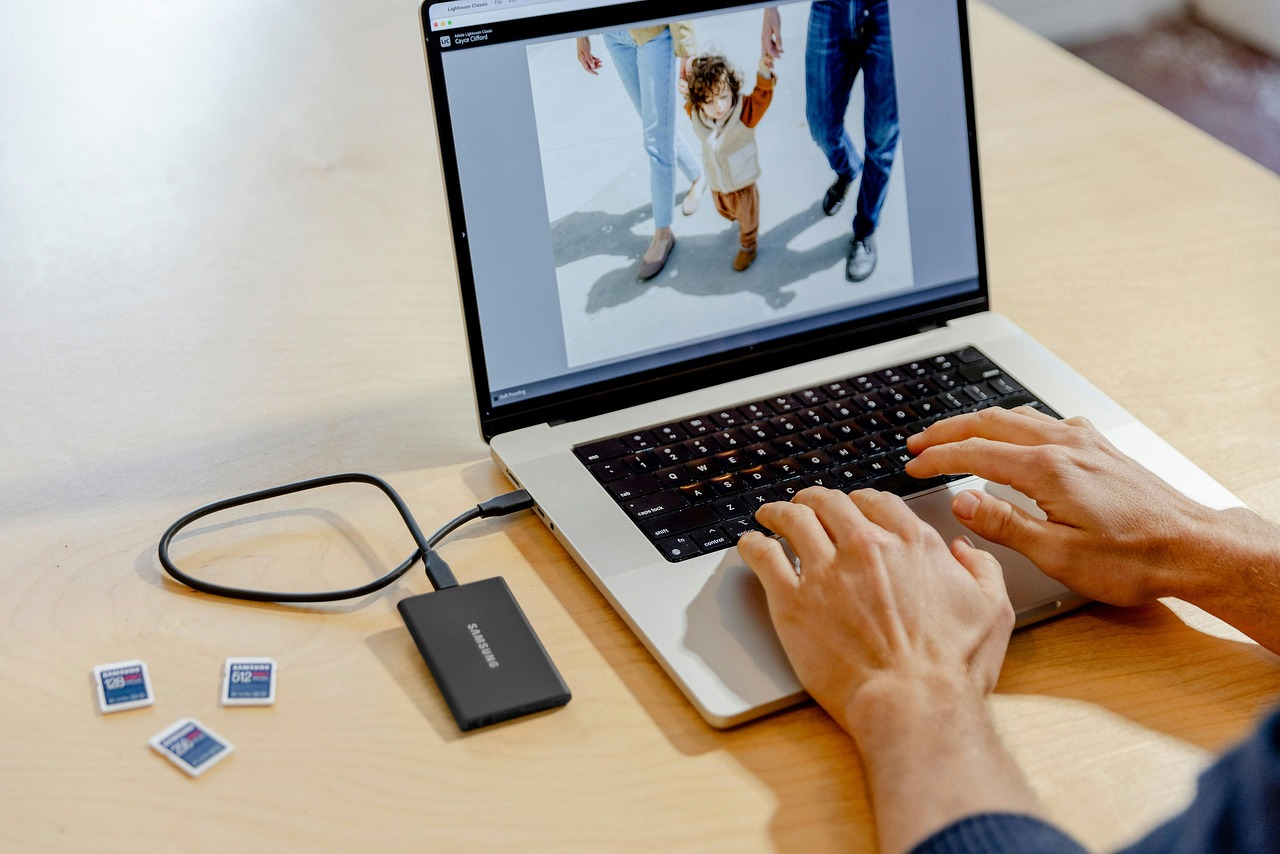
When considering post-processing software, you may encounter several popular options tailored for photographers of various experience levels. Some of the top choices for dog photography editing include Adobe Lightroom, Photoshop, Capture One, and Affinity Photo. Each offers distinct features that cater to different editing styles and preferences. Adobe Lightroom is well-known for its user-friendly interface and powerful editing capabilities. It allows photographers to manage and enhance large volumes of images efficiently. On the other hand, Photoshop excels in detailed retouching; it’s perfect for those who want to perform extensive manipulations on their photos, such as background removal or detailed fur enhancements. Capture One provides superb color grading and tethering capabilities, making it suitable for studio work. Affinity Photo presents an affordable alternative with many features that rival Adobe tools. Beyond the features, each software has strengths and weaknesses in managing workflow and creativity, making it essential to consider how they align with your shooting style and personal goals.
Features to Look For
When selecting post-processing software for dog photography, certain features should be prioritized for effective workflow and image quality. Customizable brushes and tools for local adjustments are particularly valuable, allowing for selective retouching. Whether brightening a dog’s eyes or softening fur texture, these features work wonders in enhancing your images. Additionally, layers and masks are integral for advanced photo editing, enabling you to edit specific areas without affecting the entire image. It’s also essential to have a robust noise reduction feature, especially for dog photography in low-light settings. Quality noise reduction retains detail while minimizing distractions. A supportive online community and tutorials for the software can help you learn and grow your skills swiftly. Furthermore, integration with cloud services is a superb feature for backing up images and accessing edits from multiple devices, ensuring workflow continuity. Ultimately, accessing the right features elevates your dog photography, allowing you to produce photos that resonate and touch hearts.
Manual retouching is an art in itself, one that requires practice and attention to detail. The process involves understanding what to enhance or correct in every photo. For instance, adjusting colors to ensure they are true to life is vital; this includes accurate shades of a dog’s fur and surroundings. Learning to use adjustment layers and selective color corrections enables you to highlight your subject without overwhelming the scene. Likewise, cropping may improve the composition, focusing viewers’ attention on the dog’s expression. Compared to basic edits, manual retouching allows for higher creativity and personalization in your photography. Furthermore, combining various aspects—like exposure, shadows, and clarity—enhances the overall quality. This requires patience and persistent practice, but the outcome is often well worth the effort as the resulting images display captivating stories of your dogs. Ultimately, masterful editing not only showcases your capability but also enhances the connection viewers feel with the captured subject, forging bonds that go beyond the image itself.
Thoroughly Assessing Software Choices
Choosing the right software for dog photography can be daunting with numerous options available. It’s crucial to assess each tool based on personal requirements and the specific types of photography involved. Consider factors such as compatibility with your operating system and whether it meets your hardware’s requirements. Free trials are often offered by software developers; make use of them to explore interface functionality and available features. Customer support and community feedback can provide insights into any potential limitations and capabilities. Investigate user reviews and case studies to understand how other photographers utilize the software effectively. Additional considerations include the update frequency and the presence of innovative features that allow you to stay current with industry trends. Software ecosystems that integrate well with other tools can also enhance your workflow, contributing to more efficient processes. Careful evaluation ensures that the software chosen enhances not only images but also the overall photography experience, providing you with results that align with your creative vision.
Besides technical features, the ease of use of post-processing software holds significant importance, especially for those new to dog photography. An intuitive interface significantly shortens the learning curve, allowing you to focus on honing your skills rather than struggling with complicated tools. Easy navigation helps access necessary features quickly, which is beneficial during an editing session. Furthermore, check options for customization; the flexibility of arranging tools and preferences can greatly enhance your editing speed. Well-designed tutorials, whether integrated or available on online platforms, offer valuable guidance for mastering the software swiftly. Community forums can provide support and tips, helping you troubleshoot any issues. Simplified tools suited for specific edits can assist in starting your editing journey. Ultimately, the right software should empower you to edit your dog photos efficiently while enjoying the artistic process rather than being overwhelmed. Engaging with the editing software should inspire creativity, enabling you to produce stunning pictures that capture your dog’s spirit and personality.
Conclusion
In conclusion, post-processing software offering manual retouching capabilities plays a pivotal role in enhancing dog photography. By focusing on detail-oriented editing, photographers can elevate their work significantly. The right editing tools can transform ordinary captured moments into striking images filled with personality and emotion. Choosing the suitable software involves careful consideration of your photography style, desired features, and usability. Emphasizing essential qualities—like customizable tools, ease of use, and strong community support—enables you to select software that matches your specific needs. The marriage of good photography skills and skilled retouching creates stunning dog photos that resonate with viewers on a deeper level. Moreover, as you advance in your photography journey, the capability to retouch offers exciting creative opportunities, allowing for a genuine expression in your work. Continuous learning and exploration of the software’s features ensure that your dog photography evolves over time, yielding images that capture hearts and celebrate every pup’s charm. Therefore, invest time in finding the right post-processing software to create beautiful and memorable dog photos.
In summary, the journey of mastering dog photography requires dedication to both capturing the perfect shot and perfecting it through retouching. Investing in reliable post-processing software not only streamlines this process but also enhances your artistic expression. With the tools and features available, photographers can portray a dog’s unique personality, spirit, or character effectively. The experience of editing should be enjoyable, nurturing your passion for dog photography while providing the capability to produce images that leave a lasting impact. Discovering the ideal software solution tailored to your needs will benefit both your current projects and future shoots. Embracing manual retouching enhances the connection between photographer and subject, as you are able to reveal the true essence of dogs through the lens. Take the time to learn the intricacies of your chosen software, and it will prove rewarding in the long run. In addition, the satisfaction of creating visually appealing photographs will fuel your creativity and determination to continue exploring this beautiful art form. Ultimately, the effort put into editing is invaluable as it transforms your everyday dog pictures into cherished memories and stunning works of art.