
Using Curves and Levels for Better Color Correction in Cat Photos
When capturing your feline friends, achieving accurate color representation is crucial for showcasing their vibrant personalities. For cat photography, mastering tools like Curves and Levels can make your images come to life. Curves allows you to manipulate the tonal range and color balance with precision. You can easily adjust highlights, mid-tones, and shadows, which is essential for enhancing the soft fur of cats. Compare the original photo with adjustments made by Curves, and witness how colors metamorphose from dull to dynamic. Levels, another powerful editing tool, operates in a more straightforward manner by adjusting brightness and contrast. By controlling the input levels of shadows, mid-tones, and highlights, your photos’ emotional impact increases. Uniformly processed cat photos not only captivate but also enhance your social media presence. An effective combination of both tools can yield dramatic transformations. However, remember to exercise restraint. Over-editing can lead to unnatural results, which detract from the charm of your pet. Therefore, finding that sweet spot between enhancement and authenticity is key. Experiment with these features to develop your unique style and perfect your cat photography.
The Importance of Color Accuracy
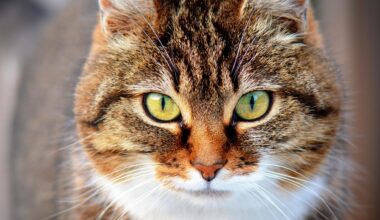
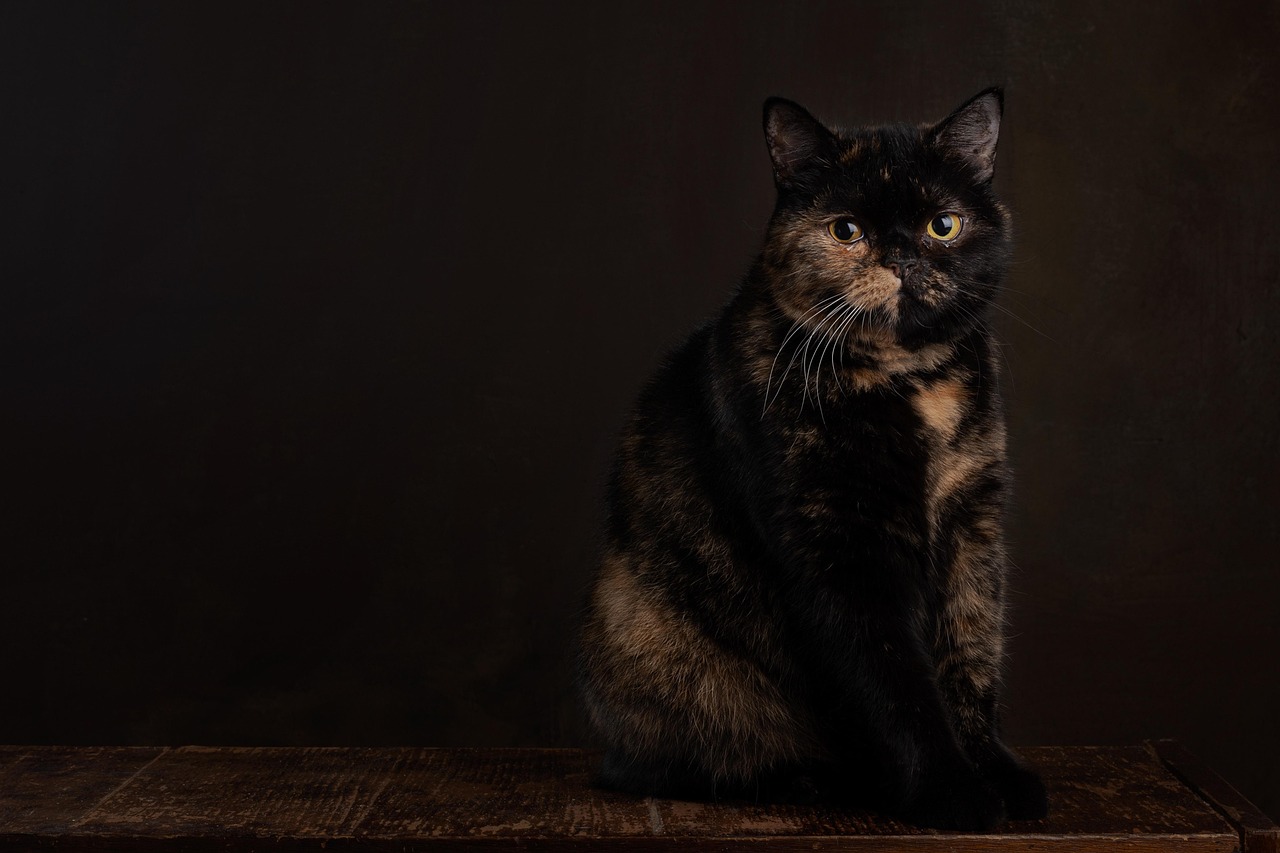
Color accuracy in cat photography is vital for several reasons, particularly when preparing images for publications or online sharing. When colors are vibrant and true to life, your audience can better connect with the subject. Cats have various fur patterns and shades, often displaying intricate tones that need careful processing. Natural lighting can sometimes shift the color temperature, resulting in images that appear off. Using Curves can help correct these discrepancies by allowing selective color adjustments. For example, if your cat’s fur appears overly warm, you can cool it down without impacting the rest of the image. Similarly, Levels can effectively adjust exposure, making your cat’s features stand out beautifully. Unmuted colors tend to engage viewers more, prompting them to linger on your images. By using these tools, you enhance the perceived quality of your work. Engaging colors also help storytellers convey moods. The right color palette can evoke warmth and playfulness. This connection is essential when displaying your cat’s personality. Aim for an authentic representation that reflects your cat’s true essence, allowing your artistry to reach its full potential while capturing the allure of these remarkable creatures.
Before diving into using Curves and Levels, familiarize yourself with your photo editing software. Most popular software options include Adobe Photoshop, Lightroom, and others offering similar functionality. Each tool has its unique interface, yet the fundamentals of color correction remain consistent. After uploading your cat photos, navigate to the adjustments panel. Here, you’ll find the Curves option prominently displayed. It may appear intimidating at first, but experimenting is part of the learning curve. Begin by watching tutorials specific to your software, which will help guide your understanding of each tool’s capabilities. Check forums or user communities for tips and tricks. Furthermore, analyze your edits critically after each session. Set aside time to revisit your work, assessing whether the adjustments enhance or detract from your original vision. This self-reflection is essential for growth. Always keep your original files intact to revisit them as you learn new techniques. With each editing session, aim to discover an innovative approach, such as using layers to manage adjustments selectively. By doing so, cat photo processing becomes a creative expression rather than a robotic task. As you learn, your confidence in color correction will increase substantially.
Utilizing Curves Effectively
Curves offer a fantastic way to enhance color and contrast in your images, making your cat photos pop with life. To utilize Curves effectively, begin by creating an adjustment layer. This layer allows you to adjust the RGB channel universally or select a particular color channel for focused tweaks. Examine the histogram of your photo, as it visually represents the tonal distribution. If your photo leans excessively toward shadows or highlights, adjust the curve accordingly by clicking to create points on the line and dragging them. A common method is forming an S-curve, which boosts contrast while preserving detail. For example, to make your cat’s eyes sparkle, focus on boosting their brightness whilst preserving depth. Selectively tweaking color channels can help achieve accurate fur color representation. Be cautious of over-editing; slight adjustments can yield maximum effect. Save your work incrementally to track your progress. Regular practice with Curves can unveil your unique editing style as you discover ways to express your creative vision. Adjust, save, and review often to ensure your final images represent the best version of your beloved feline companions. Remember, each adjustment tells a story through color.
After mastering Curves, it’s crucial to integrate the Levels adjustment into your workflow. Levels serve to refine brightness and contrast, which frame the overall composition of your images. Like Curves, you’ll start with an adjustment layer, but Levels utilizes sliders for shadows, mid-tones, and highlights. To enhance your cat photos, begin by adjusting the black and white input sliders. Moving the left slider to the right darkens shadows, accentuating your cat’s facial features, while shifting the right slider left brightens highlights, allowing those nuances in fur to shine through. The mid-tone slider can help you achieve a balanced look without obscuring detail. Remember not to push these sliders too far, as this can lead to a harsh or unrealistic appearance. Subtlety is key! Combine Levels and Curves to produce stunning images that reveal the texture and beauty of your cat’s fur. After making adjustments, compare the processed image with the original to ensure no details are lost. Letting your work breathe before finalizing is essential. Adjust levels gradually, ensuring perfect representation of your adorable feline subjects without overdoing your enhancements.
Practical Tips for Color Correction
For effective color correction in cat photography, develop a consistent editing workflow that optimizes your process. Start with a well-exposed image; natural light often yields the best results. Utilize RAW format to maintain maximum data for adjustments. This format enhances your editing latitude, particularly regarding exposure and color adjustment. When importing images, rename them logically for easy retrieval. After initial adjustments with Curves and Levels, consider applying additional tools like vibrance or saturation to boost colors strategically. While saturation amplifies color intensity, be cautious as it can distort natural tones. Vibrance selectively boosts under-saturated colors, lending life to your furry friends without overwhelming them. Take breaks during editing sessions to see your work afresh. Returning with fresh eyes can reveal adjustments no longer serving your image’s intent. Conversely, always seek feedback from fellow photographers or online forums. Constructive criticism sharpens your skills and may uncover inspirations. Always balance aesthetics with the integrity of your cat’s appearance. Remember that each image reflects your unique artistic vision while delivering valuable lessons in color correction. Embrace this learning journey for continued improvement and satisfaction.
Finally, once you achieve the desired colors in your cat photos, consider exporting your final image wisely. The export process can significantly influence how colors appear on different devices. Always check export settings to ensure you’re saving in a suitable file format and resolution for your intended use. JPEG is a common choice for web use, offering a balance between quality and file size. For prints, consider using TIFF for better quality. Additionally, when exporting for social media or online galleries, assess the platform’s guidelines concerning dimensions, resolution, and compression levels. Each site may handle colors differently, affecting how your artistic vision translates online. Testing various formats and settings can lead to discovering the most effective formats to showcase your cat photography. As you evolve as a photographer, continue refining your post-processing skills. Keep an eye on the latest editing trends and software updates, as technology continually evolves to support creative expression. Cultivating color correction skills not only enhances your feline portraits but also enriches your overall journey in photography. Capture color, essence, and charm as you celebrate your love for cats through the art of photography.
In summary, using Curves and Levels effectively can significantly enhance your cat photography by improving color accuracy and visual appeal. Mastering these tools opens pathways to achieving a professional quality in your lovely cat portraits. The interplay between these functionally diverse adjustment layers allows you to manipulate tonal ranges, highlights, and shadows precisely, ensuring that the beauty of your feline companions shines through. Approach each image you capture as a canvas. Embracing the artistic journey can transform everyday cat photos into breathtaking works of art. Be patient with yourself as you learn and grow; developing this skill takes practice, but the results are rewarding. Regularly revisit your techniques and seek inspiration from your peers. Most importantly, continually challenge yourself creatively to see how Curves and Levels can elevate your compositions. Having access to the right tools fundamentally impacts your projects’ visual outcomes. With dedication and creativity, discover exciting ways to express your love for cats through photography, always striving for that perfect shot. Your feline friends deserve to be celebrated in the best light, showcasing their unique personalities. So, get out there and capture the heart and soul of every precious moment with your cats.